Trading articles/MTS Velocity: How I Find the Market’s Strongest Stocks | Complete Software Tutorial
Aug 15, 2026 · Momentum Trading Strategy
MTS Velocity: How I Find the Market’s Strongest Stocks | Complete Software Tutorial
See how I use Relative Strength, stock screens, charts, watchlists, risk tools, trade planning, journaling, and analytics to find and manage leading stocks.
Originally published on Substack.
If you’ve been wondering what MTS Velocity (Momentum Trading Strategy Software) actually includes, this video gives you a complete look inside the software that every All-Access member gets.
And if you’re already a paid member, this is the tutorial I recommend watching to make sure you understand the full functionality and power of MTS Velocity and aren’t missing tools that could improve your process.
I walk through MTS Velocity from start to finish, from logging in and analyzing the overall market to finding leading stocks, reviewing charts, building watchlists, sizing positions, planning trades, managing them, journaling the results, and analyzing your performance.
MTS Velocity is built around the same top-down process I use and teach throughout Momentum Trading Strategy:
Market → Relative Strength → Sectors and Industry Groups → Stocks → Charts → Watchlist → Position Sizing → Trade Plan → Trade Management → Journal → Analytics
The goal is to bring as much of the trading process as possible into one place instead of constantly bouncing between different screeners, charting platforms, spreadsheets, calculators, journals, and other tools.
Finding the Market’s Strongest Stocks
A major part of the tutorial focuses on how I use Relative Strength to narrow thousands of stocks down to the names showing the characteristics I actually want to trade.
We start with the Market Overview Dashboard, which gives you a quick snapshot of many of the market indicators I monitor when evaluating overall market health.
From there, we move into the Relative Strength Dashboard, where you can quickly identify where strength is concentrated across:
- Major indexes
- Sectors
- Subsectors
- Industry groups
- Commodities
- Global markets
- Currencies
- Crypto
- Treasury bonds
- Leading large-cap stocks
I also show you how to create custom Relative Strength timeframes and Anchor Dates, which allows you to measure performance from an important market low, breakout, new market uptrend, or any other date you want to analyze.
Then we get into what I consider the heart of MTS Velocity, the Relative Strength Scanner.
The MTS Relative Strength Scanner
The scanner allows you to search for stocks using multiple Relative Strength approaches, including:
- Primary Timeframe RS
- Multi-Timeframe RS
- Accelerating RS
- Decelerating RS
- Weighted RS
- Volatility-Adjusted Relative Strength
- Custom RS lookbacks
- Custom Anchor Dates
From there, you can combine Relative Strength with a large library of advanced filters covering things like:
- Earnings
- Sales
- Volume
- Liquidity
- Market cap
- Volatility
- Moving averages
- Distance from highs
- Fund ownership
- Sector strength
- Industry group strength
- Price performance
- Trend criteria
- MTS proprietary ratings
I also walk through proprietary ratings including the MTS Score, EPS Rating, Quality Score, Sales Rating, Profit Rating, and Accumulation/Distribution Rating.
The idea is to give you the ability to take a universe of thousands of stocks and progressively narrow it down to the names that best fit what you are looking for.
Built-In Screens and Custom Scans
MTS Velocity also includes a large number of built-in screens that you can use as a starting point.
I walk through screens for things like:
- CANSLIM-style leaders
- Big Earnings and Big Sales
- Super Performers
- Technical Trend Template stocks
- Market Movers
- Pre-Market Movers
- New 52-Week Highs
- Episodic Pivots
- High-Tight Flags
- Upcoming Earnings
- And more
You can use the preset screens as they are, modify them, or build and save your own custom scans based on your trading style.
Charts, Research, and Watchlists
Finding a stock in a scanner is only the beginning.
I show you how to quickly move through your scan results and review charts while also looking at the information that matters to your decision-making process.
That includes things like:
- Price action
- Relative Strength
- Earnings
- Sales
- Fund ownership
- Institutional sponsorship
- Analyst information
- Historical Relative Strength
- Additional company and market data
You’ll also see the expanded charting system, custom moving averages, Relative Strength lines and ratings, comparison tools, volume tools, multiple timeframes, and other chart functionality.
Once you find a stock worth following, you can move it directly into your watchlist and organize it however you want.
For example:
Watch → Near Pivot → Actionable → Open
Or you can create your own categories, subcategories, and tags based on your personal trading process.
Position Sizing and Risk Management
Finding a great stock is only one part of trading.
You still have to manage risk.
MTS Velocity includes position sizing and risk tools that help you calculate your position based on:
- Account size
- Entry price
- Stop price
- Percentage of account risk
- Maximum portfolio exposure
I also walk through additional risk and position sizing tools designed to help you understand how position size can dramatically change the outcome of the exact same trading system.
Two traders can take the same trades and end up with very different results depending on how they manage risk and size their positions.
That is why position sizing is such an important part of the platform.
Trade Planning and Management
Once a stock becomes actionable, you can take it directly into the Trade Planner.
You can plan things like:
- Entry
- Initial stop
- Position size
- Setup
- Entry trigger
- Event risk
- Selling strategy
- Contingency plans
- What you will do if the trade works
- What you will do if the trade does not work
The goal is to think through the trade before you are in it.
Once the trade triggers, you can move it into Trade Management and continue tracking your position, risk, partial sells, adds, and overall exposure.
When the trade is finished, you can move it directly into your Trading Journal.
Trading Journal and Performance Analytics
The journal is where you can review the trade after the fact.
What went right?
What went wrong?
Did you follow your plan?
What did you expect to happen?
What actually happened?
What did you learn?
What can you improve on the next trade?
Over time, this allows you to build your own trading model book based on your actual trades instead of relying on memory.
The journal also feeds into your performance analytics.
You can track things like:
- Win rate
- Average gain
- Average loss
- Win/loss ratio
- Profit factor
- Monthly P&L
- Annual performance
- Drawdowns
- Holding periods
- Number of trades
- Setup performance
- Additional trading breakdowns
The aim is to eventually know exactly what is and is not working in your own trading.
Instead of saying, “I think I’m good at this setup,” you can look at your own data and know.
That closes the loop.
Find the strength. Identify the leaders. Build the watchlist. Plan the trade. Manage the risk. Execute. Review the result. Improve the process.
That is what I want MTS Velocity to help you do.
More in Software & Tools
All Software & Tools articles →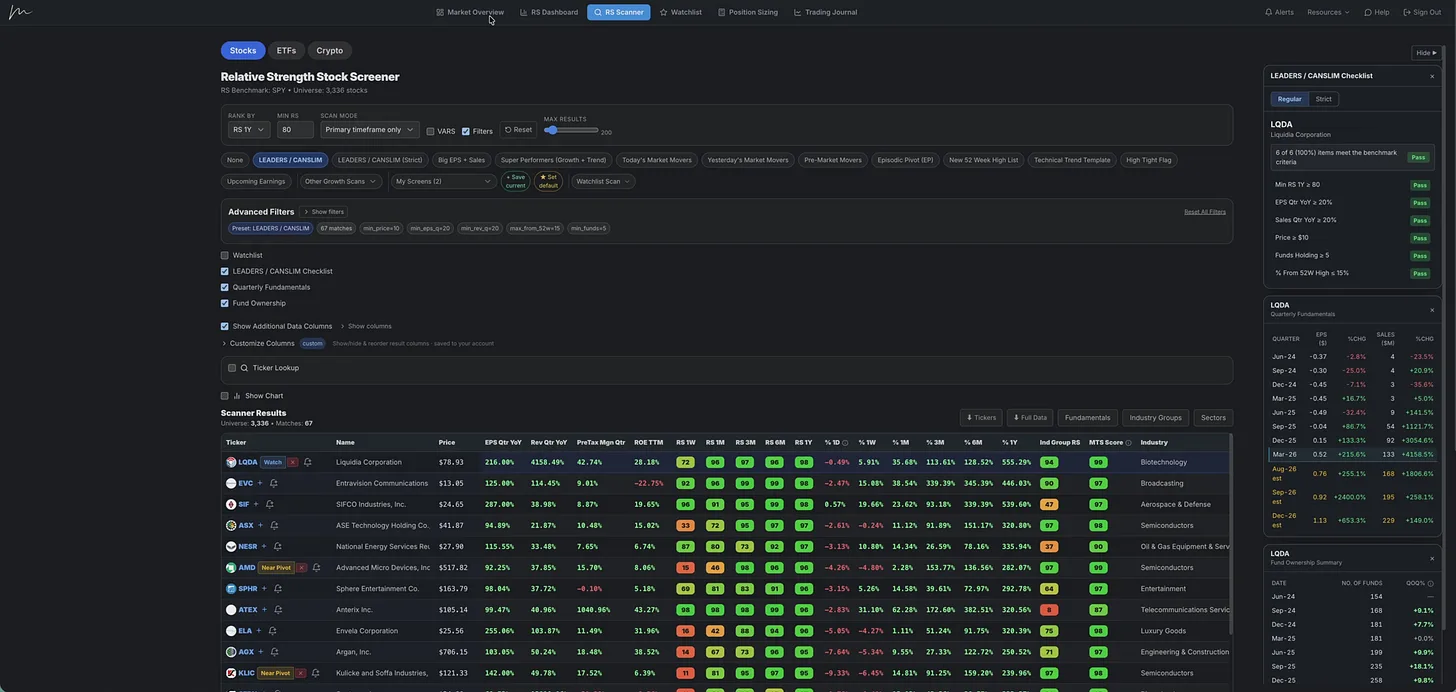
Jul 3, 2026 · Software & Tools
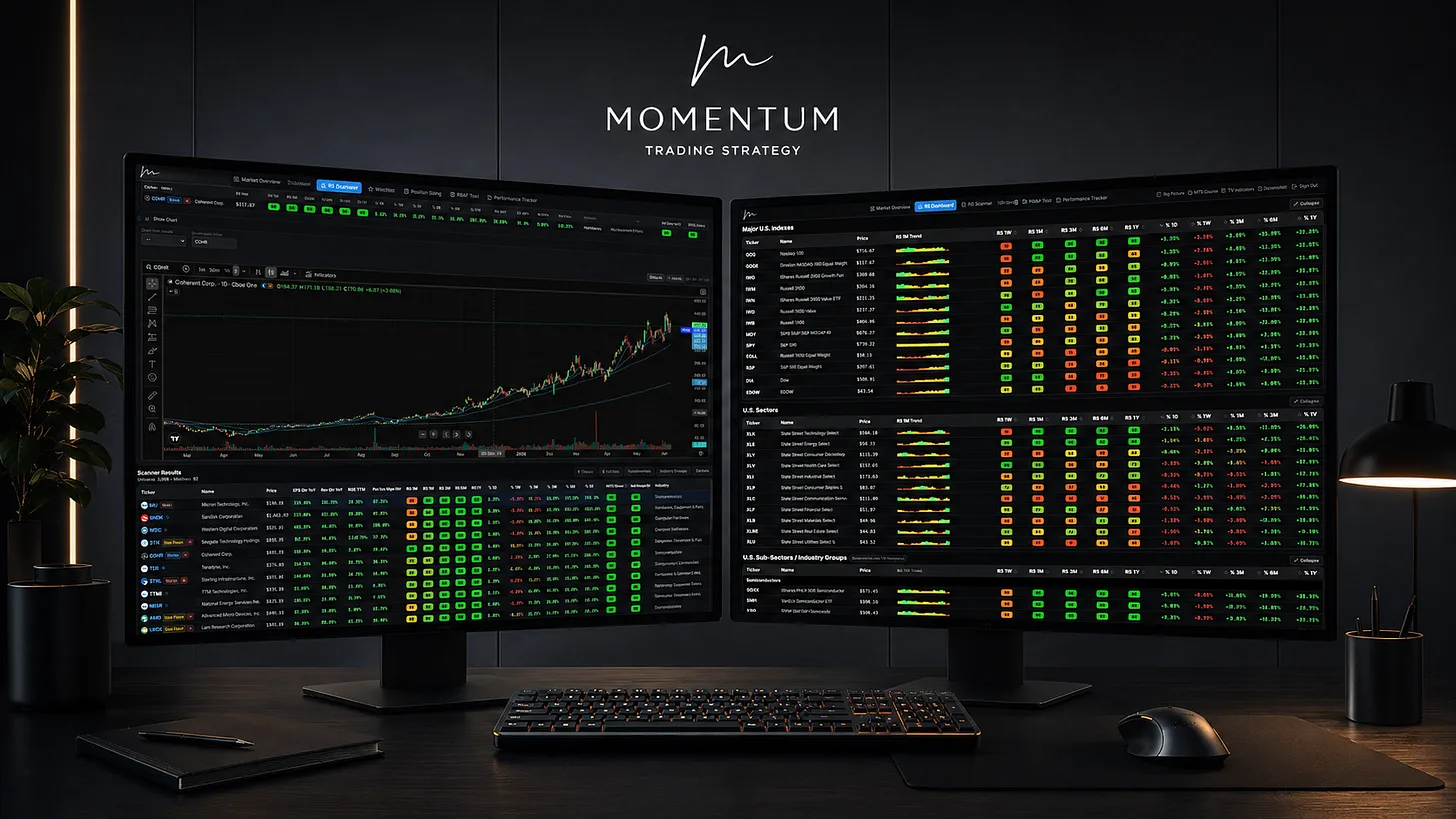
Inside the Momentum Trading Strategy Software: A Full Trading Process in One Platform
See how the platform helps traders read the market, find relative strength, manage risk, and review performance from start to finish.
- Momentum Trading
- CANSLIM
- Trading Journal
- position trading
- Growth Stock Trading
- Stock Scanner
- Relative Strength Stock Screener
- Momentum Trading Strategy
Jun 11, 2026 · Software & Tools
Big Updates Just Dropped Inside the Momentum Trading Strategy Web App
The Relative Strength Stock Screener has come a long way in just a few months.
- find growth stocks
- Investing
- CANSLIM
- Trading
- position trading
- Growth Stock Trading
- Growth Investing
- Scanning for stocks
Apr 30, 2026 · Software & Tools
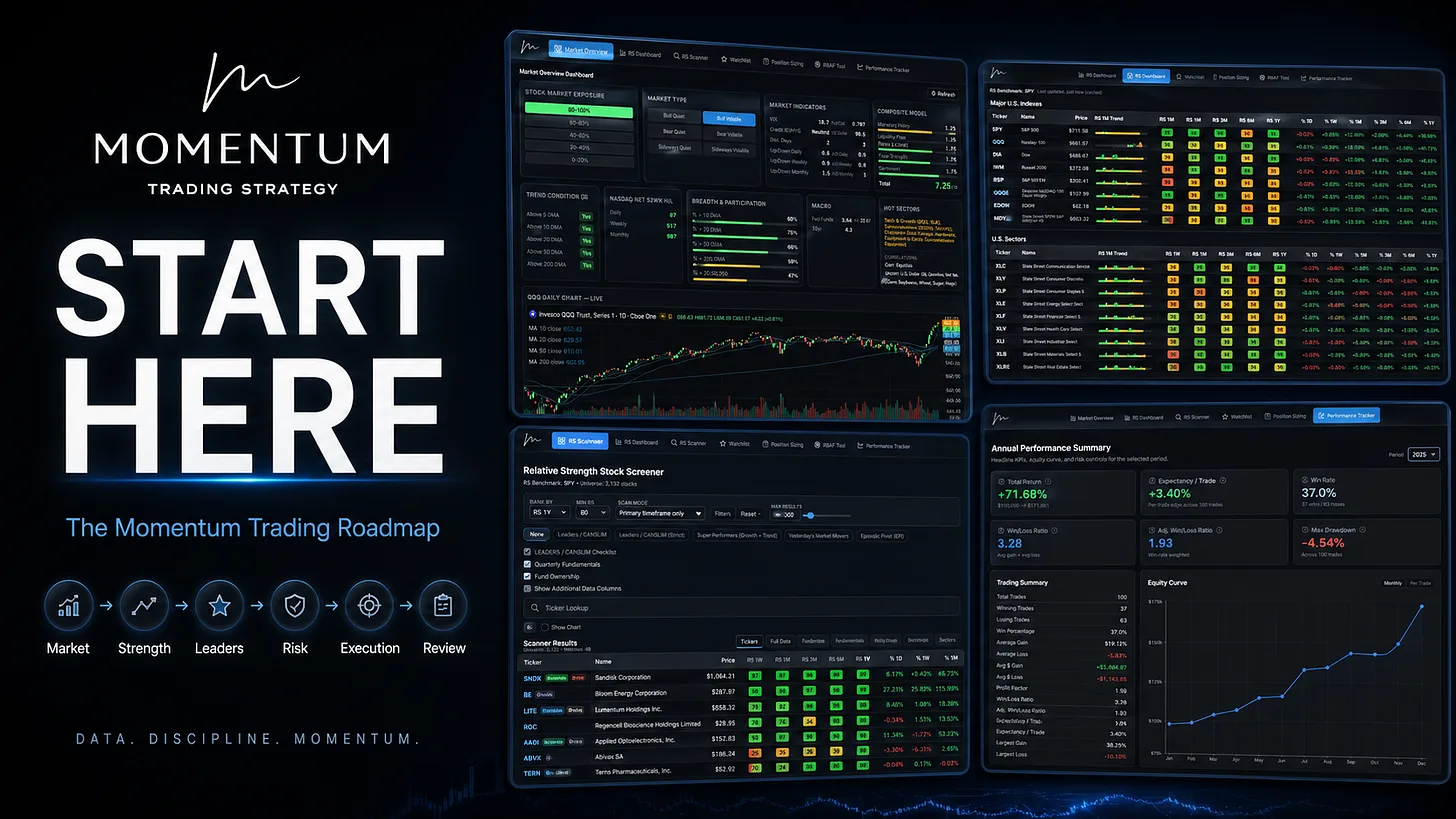
Start Here: The Complete Roadmap for Learning Momentum Trading the Right Way
Learn how to read the market, find leadership, manage risk, and build a repeatable momentum trading process without chasing stock tips
- growth stocks
- learn to trade
- Learn Trading
- Investing
- CANSLIM
- Trading
- position trading
- Growth Stock Trading